
获取 Ant Messenger 官方客户端
Get the Official Ant Messenger Client
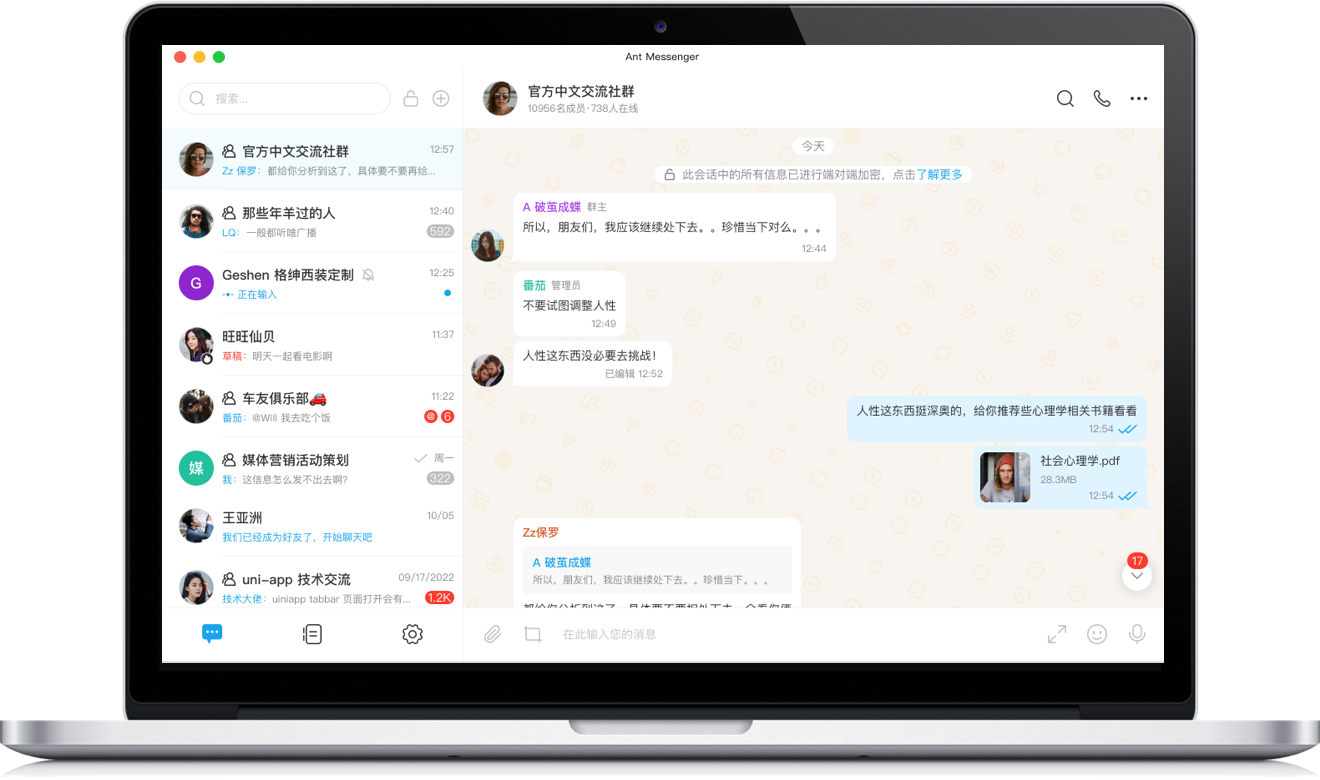
Windows版
Windows
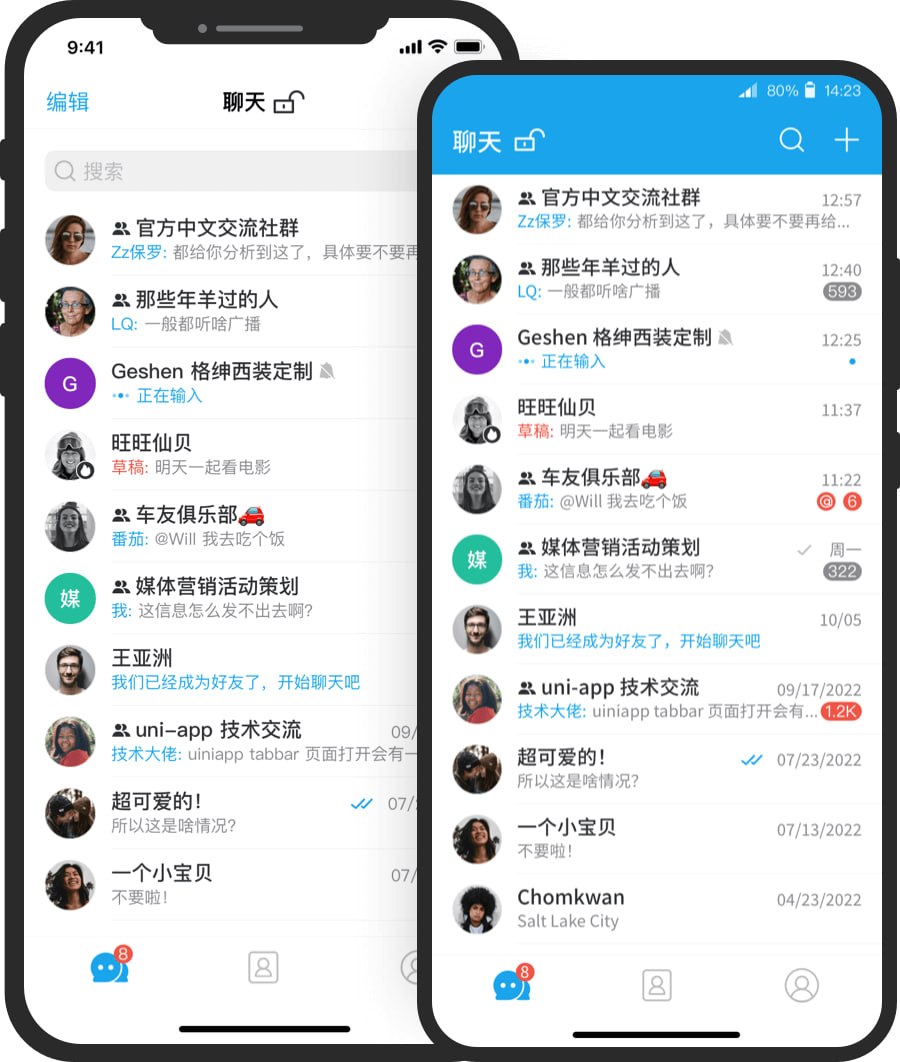
手机版
Mobile
客户端值得选择的理由
Why This Client Stands Out
端到端加密
End-to-End Encryption
文字、语音与文件在发送前加密,仅在收发设备端还原,传输全程为密文,服务器及任何中转环节都无法读取内容。
Messages, voice, and files are encrypted before sending and decrypted only on your devices, traveling as ciphertext that no server or relay can read.
截屏与越权访问防护
Screenshot & Access Protection
客户端内置防截屏、阅后即焚与应用锁等机制,可在本机层面阻止无关人员查看聊天内容。
Built-in screenshot blocking, self-destruct, and app lock stop unauthorized viewing at the device level.
全平台加密同步
Encrypted Sync Across Platforms
覆盖 Windows、Android、iOS、macOS 等主流系统,各端登录后加密记录自动保持一致,便于随时切换设备。
Covers Windows, Android, iOS, and macOS, keeping encrypted history consistent across every signed-in device.
私有化部署支持
Private Deployment Option
企业可将服务安装于自有服务器,数据存储与加密均可自行管理,便于满足内部合规与审计要求。
Organizations can run the service on their own servers, managing storage and encryption in-house to meet compliance and audit needs.
安装与使用常见疑问
Common Installation Questions
Windows 客户端对系统有何要求?
What system does the Windows client require?
建议在 Windows 10 及以上版本的 64 位系统中使用,并及时安装系统更新,以获得更稳定的运行与安全环境。
Use a 64-bit Windows 10 or later system, and keep it updated for a more stable and secure environment.
桌面端如何完成登录?
How do I sign in to the desktop app?
请先在移动设备上安装并注册 Ant Messenger,随后使用桌面客户端展示的二维码完成扫码验证,验证通过即可登录。
First install and register Ant Messenger on your phone, then scan the QR code shown by the desktop client to complete verification.
移动端应从何处安装?
Where should I install the mobile app?
可在手机官方应用商店中搜索 Ant Messenger,或通过本页移动端入口安装;请始终选择官方渠道,以防误装仿冒版本。
Search for Ant Messenger in your phone's official app store, or use the mobile buttons on this page; stick to official channels to avoid counterfeit builds.
Ant Messenger 的安全性如何保证?
What guarantees Ant Messenger's security?
客户端采用端到端加密,并提供阅后即焚、双向删除与防截屏等机制,源码开放可供独立审查,聊天数据由使用者自行掌握。
The client uses end-to-end encryption with self-destruct, mutual deletion, and screenshot protection; open source allows independent review, and you keep full control of your data.